Game Panel
One panel for your whole game server
Start, configure and manage your server from a control panel built for game hosting. Live console, one-click backups, mod and plugin installs, and full file access, all in your browser.
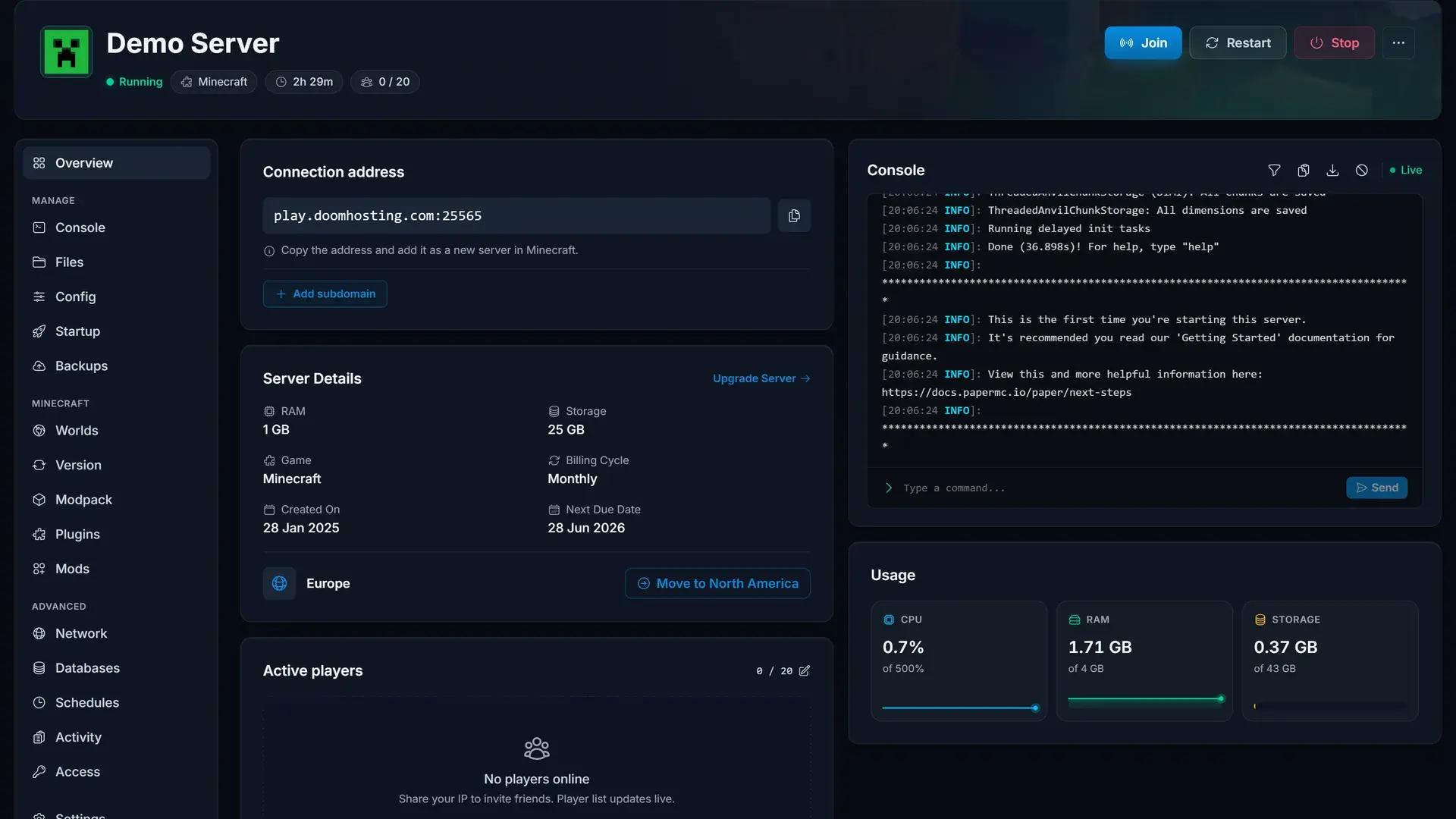
Live console with full control
Watch your server boot in real time, run commands and read logs without leaving the browser. Start, stop and restart are always one click away.
- Streamed output with no page refreshes
- Command history and direct server commands
- CPU, RAM and disk usage next to the console
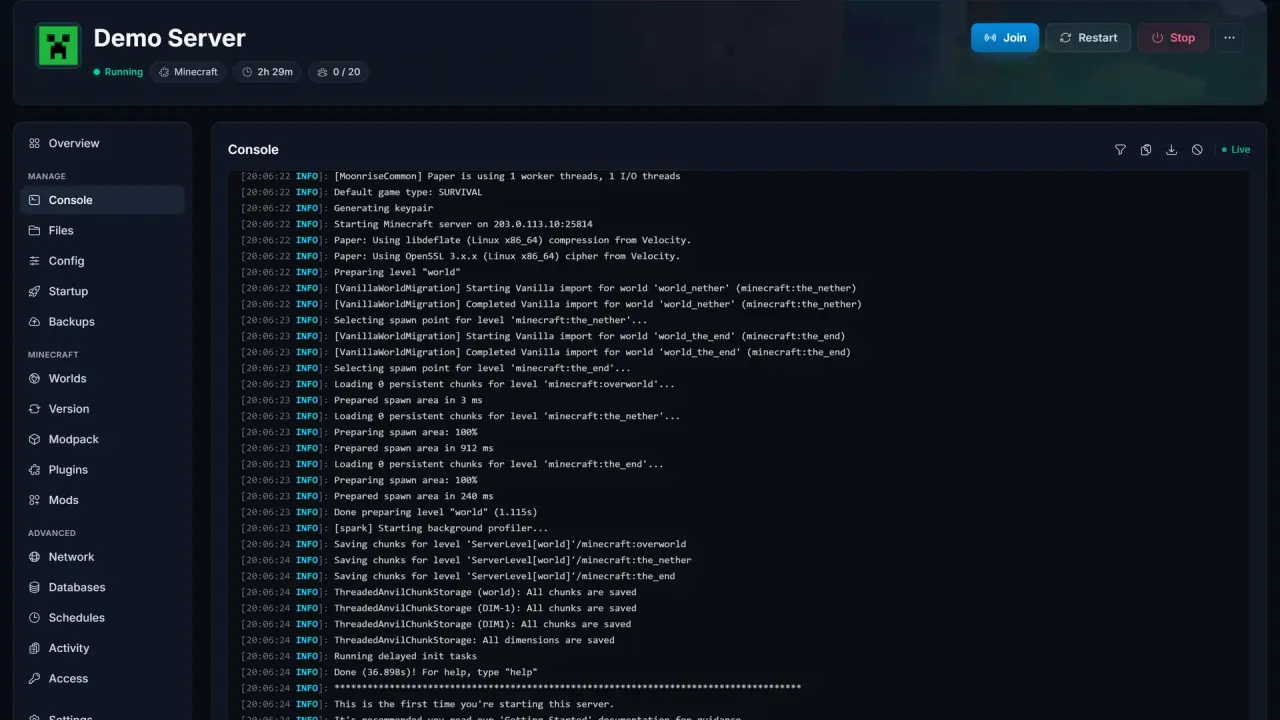
Backups you can actually restore
Create a backup before every risky change and roll back in seconds when an update or mod breaks something. Backups run without stopping your server.
- One-click create and restore
- Download any backup as an archive
- Locked backups can never be overwritten
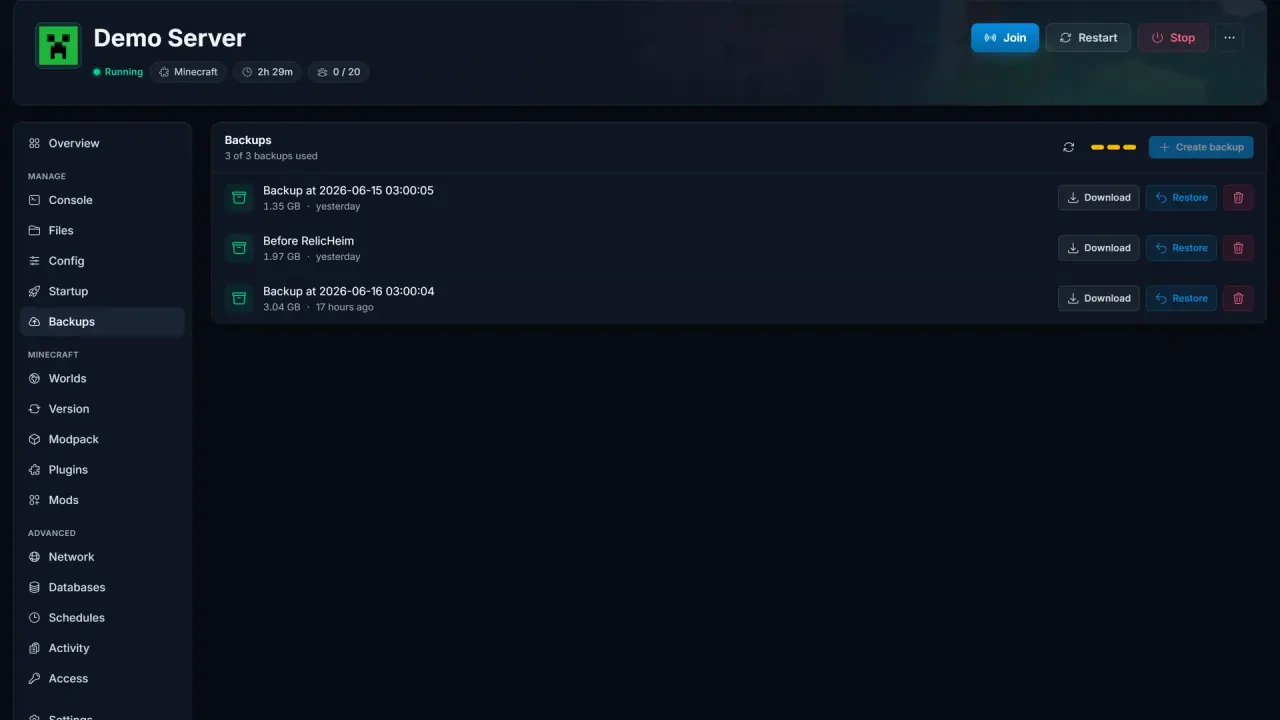
World management built in
Upload a world from singleplayer, switch between saved worlds or reset one entirely, without touching a config file by hand.
- Import worlds as a zip straight from your PC
- Switch the active world from a list
- Per-world settings kept alongside each save
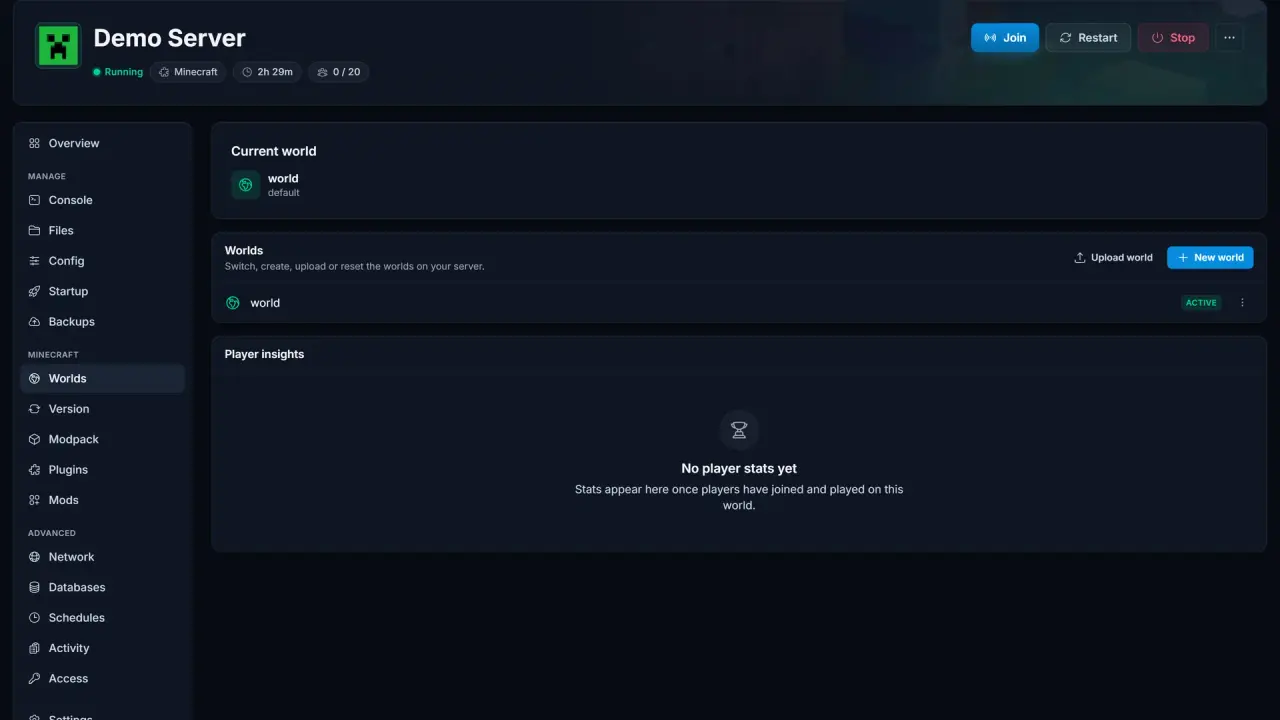
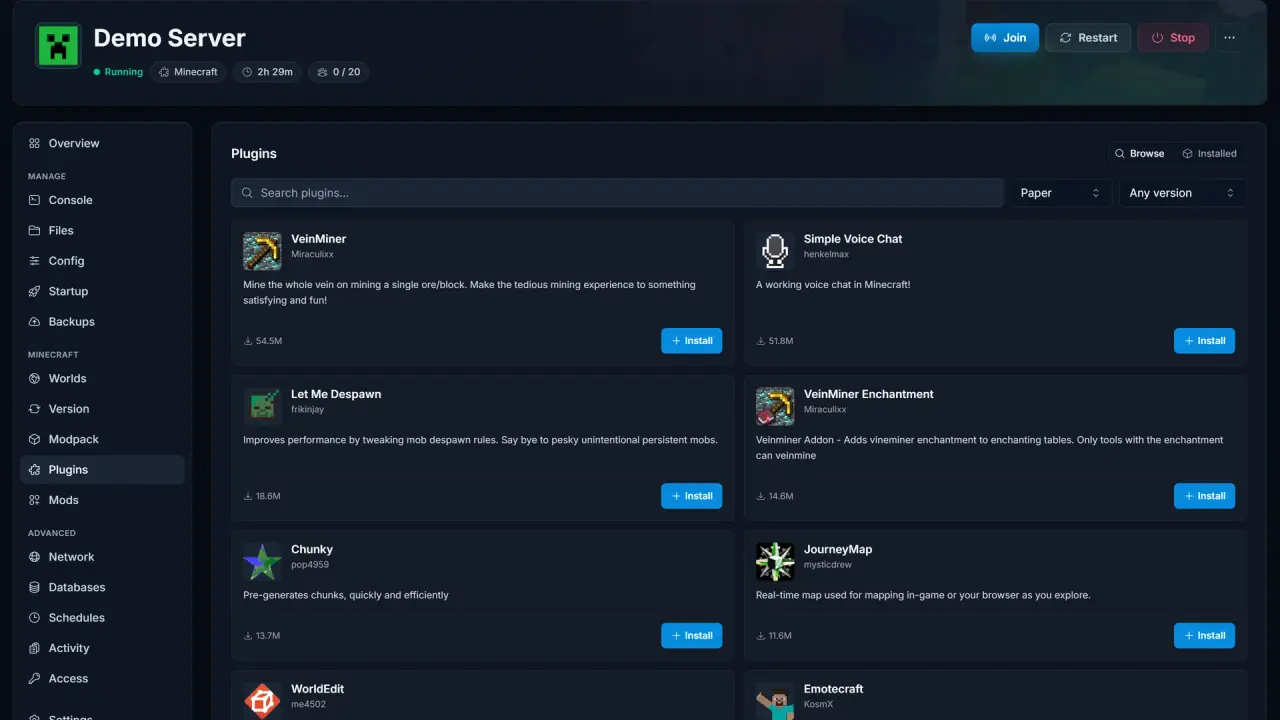
Plugins without the file juggling
Search the plugin catalogue and install straight to your server. Versions that match your server build are picked out for you.
- Search and install from the panel
- Compatible versions matched to your server
- Enable, disable or remove per plugin
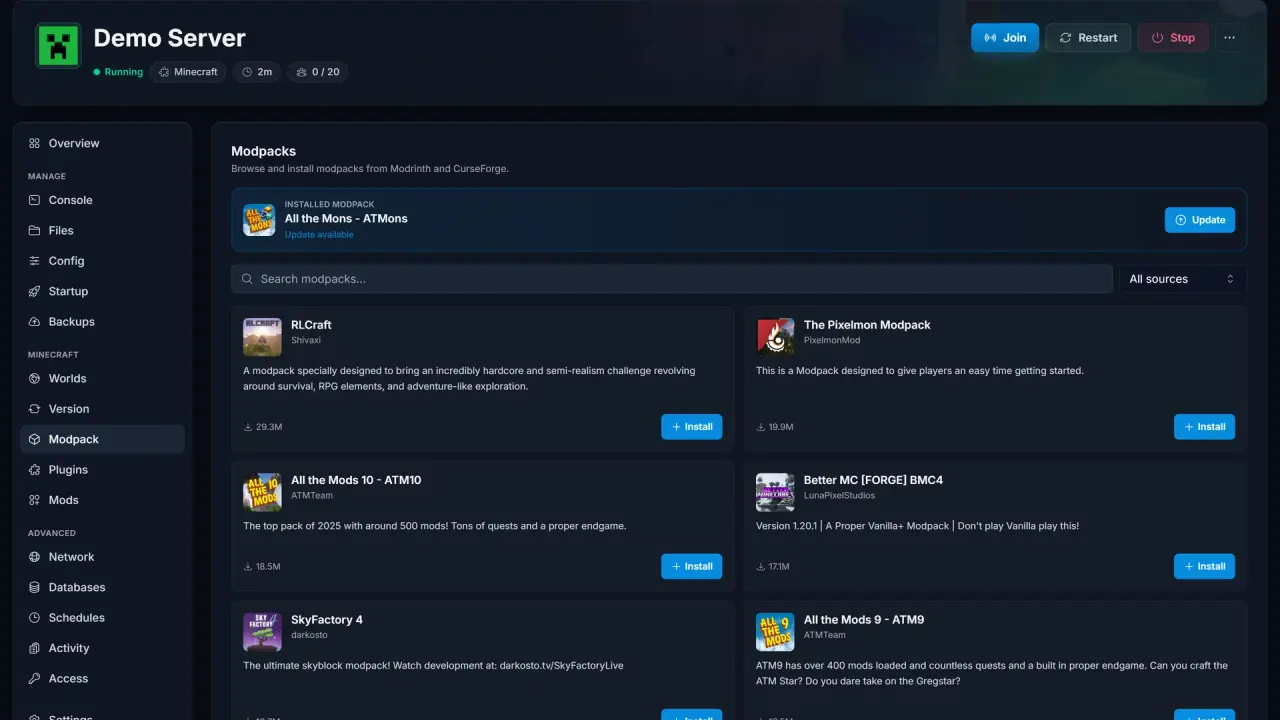
Modpacks in one click
Install complete modpacks from the biggest launchers and switch between them whenever you like. The panel handles the server-side setup.
- CurseForge and other major sources supported
- Server version switched to match the pack
- Swap packs without rebuilding the server
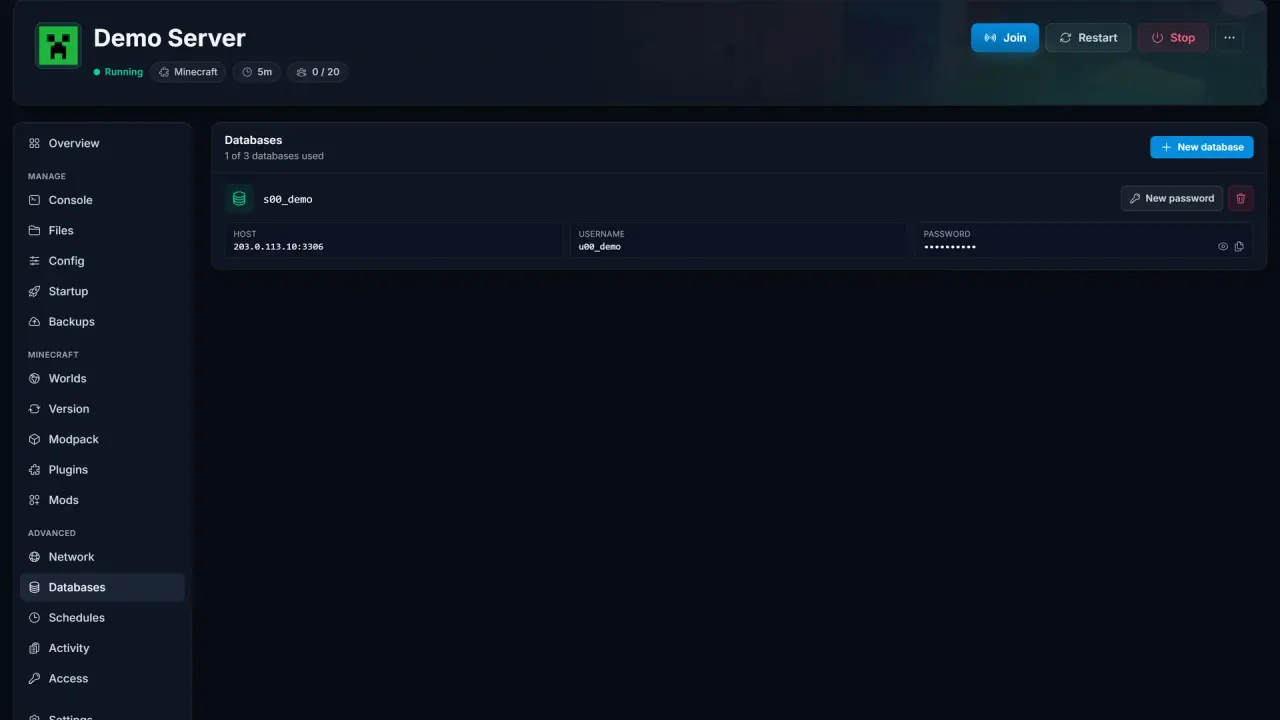
Databases when plugins need them
Some plugins and games want a MySQL database. Create one from the panel, with credentials generated for you, and connect in seconds.
- Create and delete databases yourself
- Credentials generated and shown once
- Works with external tools like HeidiSQL
Everything included
Included with every game server
Questions & answers
Frequently Asked Questions
Find answers to common questions about our server hosting.
It is the control panel every SpillHosting game server comes with. You use it to start and stop the server, read the console, edit settings, install mods or plugins, manage backups and upload files. There is nothing to install; it runs in your browser.
Yes. Every game we host uses the same panel, so once you know it you can run a Minecraft server, a Rust wipe or a Palworld world the same way. Game-specific tools, like world uploads or modpack installs, appear automatically for games that support them.
In most cases, yes. Upload your world or save files through the panel or over SFTP, and your server picks them up. Our help articles cover the exact steps per game, and support can walk you through a move.
Yes. The panel is fully responsive, so you can restart the server, check the console or kick a player from your phone.
Any more questions?
Ready to play?
Try it with your own server
Every game server includes the panel from the first minute. Pick a game and you are managing it a few minutes later.