
ASKA has no "connect to IP" box anywhere. Your server registers with a relay network and players pick it out of the in-game list by name, so the three things everyone needs are the server name, the password if you set one, and the right region selected in the browser.
That last one catches more people than everything else combined.
Before anyone can join
The server is running. ASKA's dedicated server runs under Wine and downloads its game files from Steam on the first boot, so give a brand new server several minutes before expecting it in any list. The Console tab shows install progress.
The login token is valid. An ASKA server authenticates with the relay through a Steam Game Server Login Token. With a missing, mistyped or expired token the process keeps running and the panel can even show the server as online, but it never registers, so nobody can find it. A server that looks perfectly healthy and is invisible to everyone is almost always this.
Your players know the exact name, the password, and the region.
Where the details live
Open your server in the control panel and go to the Startup tab.
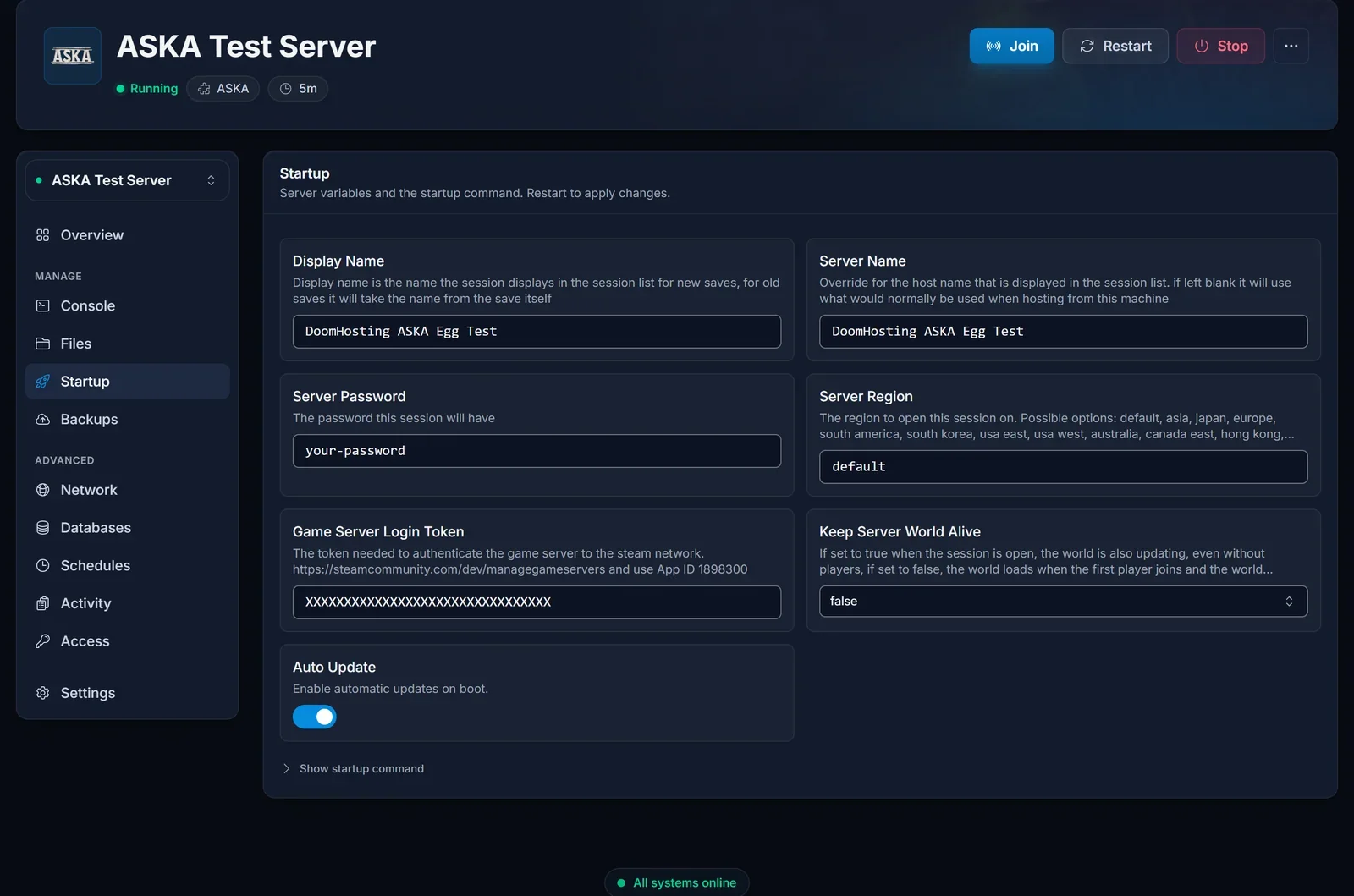
- Display Name. The session name shown in the in-game list, and what your friends actually look for. It applies to a new save: an existing save keeps the name it was created with, so renaming a world that already has a save changes nothing in the list.
- Server Name. The host name shown next to the session. Give both a distinctive value so the server is easy to spot.
- Server Password. Leave empty for an open server, or set one of up to 20 characters and share it. Players are prompted as they join.
- Server Region. Where the session opens on the relay.
defaultpicks the best ping from the server, which for our European hardware means Europe. Setting it explicitly, for exampleeurope, makes life easier because your players then know exactly which region to pick. - Keep Server World Alive. Not a join setting, but worth knowing:
truekeeps the world running, villagers working and time passing with nobody online.falsepauses it until the first player returns.
These are read at boot. After any change, restart from the Console tab or the old values stay in effect.
What the IP on the Overview is for
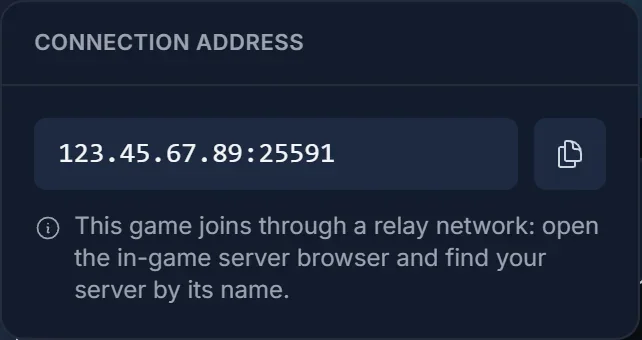
The Overview tab and the Join button both show your server's address, exactly like every other game in the panel.
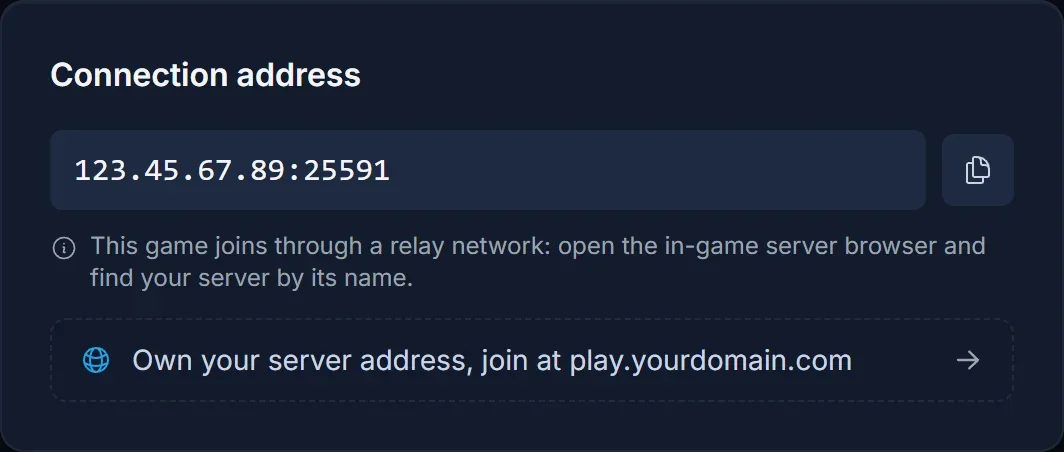
The address is real, but ASKA joins through a relay and there is no field anywhere in the game where you type it. It is there for your own reference: tools, support tickets, telling servers apart. Do not send it to a friend expecting them to connect with it.
Joining
- Launch ASKA and open the multiplayer server list
- Select the region your server is registered in. The list only shows sessions from the selected region, so the wrong one shows nothing no matter how correct everything else is
- Search for the display name
- Join, and enter the password if there is one
Troubleshooting
Nobody can see the server, but the panel says it is online. The login token. That combination is the signature of an invalid or expired one.
One person cannot see it and everyone else can. They have the wrong region selected in the browser.
It is brand new and missing. First boot downloads the game files under Wine. Watch the Console tab and wait for the install to finish.
You renamed it and the list still shows the old name. The display name applies to new saves. An existing world keeps the name it was created with.
A setting change did nothing. Startup values are read at boot. Restart the server.
Frequently asked questions
Can I give my friends an IP instead? No. ASKA has no direct connect at all. Name, region and password are the only route.
Does the world keep running when we log off? Only with Keep Server World Alive set to true. With it false the world pauses until someone returns.
How long can the password be? Up to 20 characters.
Why does region matter so much if the server is online? The relay opens the session in one region and the browser only lists that region. It is the single most common reason a working server appears to be missing.
Server online but invisible after checking the token? Contact support with your server name and we will look from our side. No server yet? See our ASKA server hosting plans.
