
Enshrouded has no "connect to this IP" button on the main menu. You search for the server by address inside the in-game browser, add it to your favourites, and join with one of the server's group passwords. Two minutes the first time, one click afterwards.
Copy the address
Open your server in the control panel. The Overview tab shows the full address, and the Join button in the server header shows the same thing without making you change tabs.
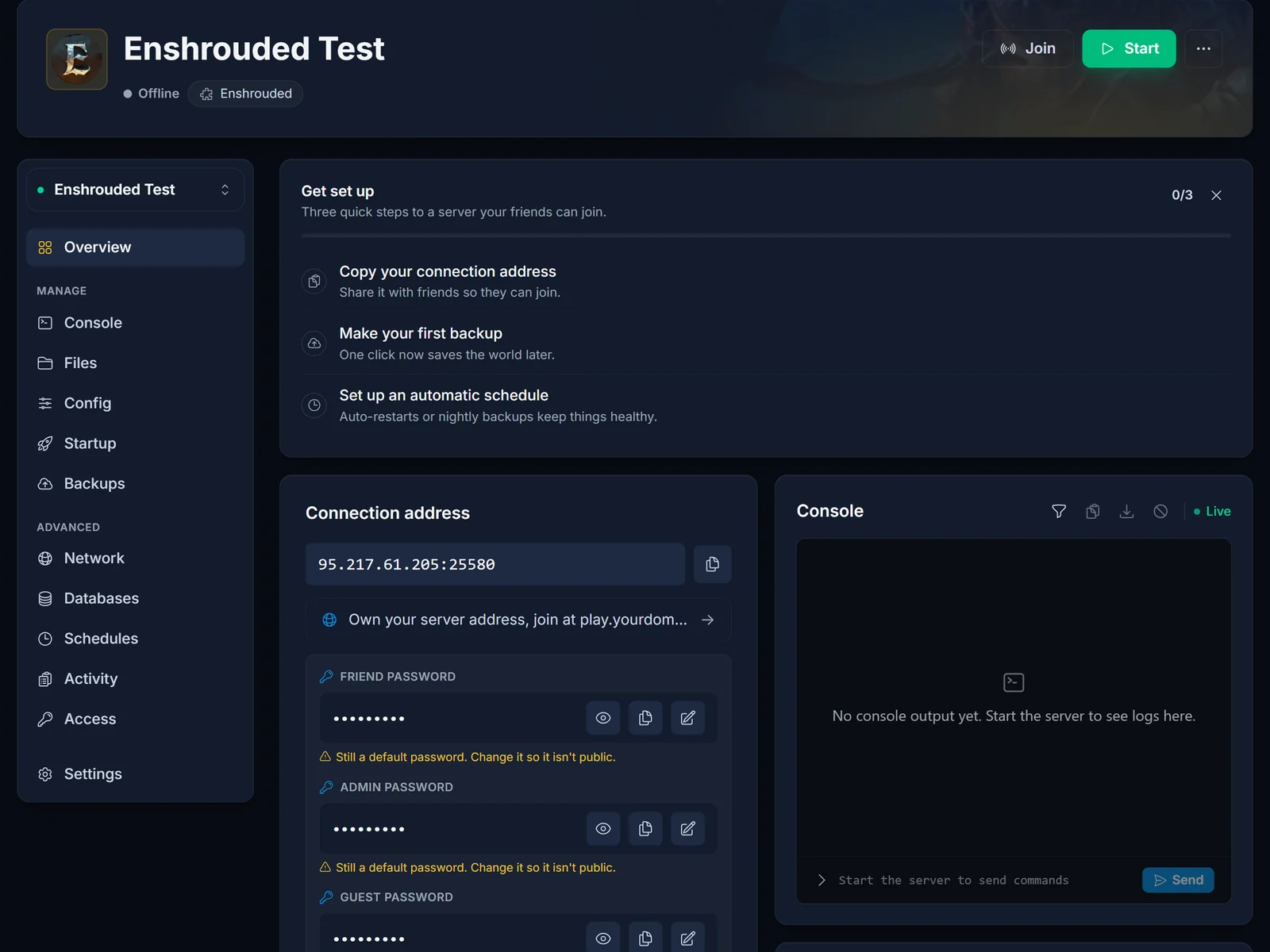
Copy the whole thing, port included. A rented server does not run on Enshrouded's default port, so an address with nothing after the colon finds nothing at all. Use it exactly as the panel prints it.
Add the server in game
- Launch Enshrouded, click Play, then Join
- Press [T] Search By IPv4 / Domain
- Paste the address from the panel, port and all
- Choose Add To Favorites, which puts your server at the top of the browser from then on
- Join, and enter a group password when the game asks
Give a freshly started server a minute before you go looking. Enshrouded loads the world before it answers anything, so searching too early returns nothing and people conclude the address is wrong when it is fine.
Which password
This is the part that catches everyone. Enshrouded does not have one server password, it has four, one per user group, and the one you type decides what you can do once you are inside.
- Admin. Everything, including kicking and banning. Keep it to yourself.
- Friend. Build, extend the base, use inventories. This is the one for the people you actually play with.
- Guest. Play and explore, but no editing bases and no opening inventories.
- Visitor. Look, do not touch.
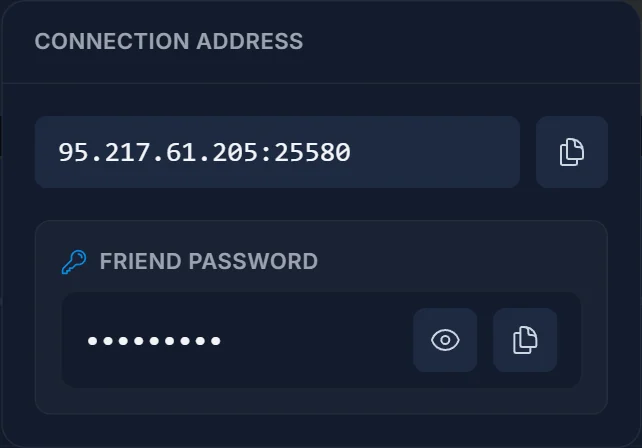
All four are on the Overview in the panel, each with a reveal and copy button. Change them before you invite anybody, because a new server ships with four defaults that are printed in every setup guide on the internet.
All four must be different from each other. Enshrouded refuses to start when two of them match, and on our servers it does that without a clear error in the console, so the only symptom is a server that will not boot. The panel blocks you from saving a duplicate for exactly that reason.
Adding it through Steam instead
If you would rather set it up outside the game:
- In Steam, open View, then Game Servers
- Go to the Favorites tab and click the + button
- Paste the same address from the panel and add it
The server then appears under favourites in the in-game browser too. Same result, so use whichever is quicker for you.
Troubleshooting
The search finds nothing. The server is still starting, or the port was left off the address. Check the panel says running, then paste the address again in full.
Wrong password. Each group has its own. If you were handed the Guest password you will get in, you simply will not be able to build.
You are in but cannot build or open chests. That is the password you used rather than a fault. Ask the owner for the Friend password.
The server stopped booting right after the passwords were changed. Two of the four are identical. Make them all different and start it again.
Everyone else can join and you cannot. Delete the favourite and add it again. A stale entry holds the old port.
Frequently asked questions
Do my friends need an account with you? No. They need the game, the address and whichever group password you choose to give them.
Can I use the default passwords? You can, but do not. They are published in every guide covering this game, including this one, so anyone who finds your address can walk in as admin.
Why can one person build and another cannot? They used different group passwords. That is the system working as intended.
How do I give someone more access later? Send them a password from a higher group. There is nothing to change server-side.
Still finding nothing in the search after checking the port? Contact support with your server name and the address you pasted, and we will look from our side. No server yet? See our Enshrouded server hosting plans.
