
HumanitZ Server Hosting
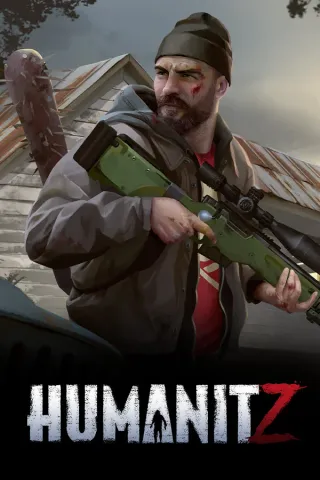
HumanitZ is an open-world zombie survival game where you scavenge abandoned towns, fortify a base, repair cars and keep your group fed through changing seasons. A dedicated server keeps that world running for your friends whether you are online or not, and the settings cover almost everything: PvP, permadeath, zombie speed and numbers, loot respawn, day length, airdrops, dog companions and base decay. Players find the server by name in the in-game browser, and a join password keeps it private when you want it to be. Run your HumanitZ server at SpillHosting with instant setup, full FTP access, DDoS protection and support around the clock.
- PC
- Instant Deployment
- DDoS Protection
- Dedicated Support
Configure your server
Select Memory
6 GB RAM
8$/mo
First month: 6 $
- Unlimited Players
- AMD Ryzen 9
- 25 GB SSD NVMe
- DDoS Protection
7 GB RAM
9$/mo
First month: 6.75 $
- Unlimited Players
- AMD Ryzen 9
- 25 GB SSD NVMe
- DDoS Protection
8 GB RAM
10$/mo
First month: 7.50 $
- Unlimited Players
- AMD Ryzen 9
- 25 GB SSD NVMe
- DDoS Protection
9 GB RAM
11$/mo
First month: 8.25 $
- Unlimited Players
- AMD Ryzen 9
- 25 GB SSD NVMe
- DDoS Protection
10 GB RAM
12$/mo
First month: 9 $
- Unlimited Players
- AMD Ryzen 9
- 25 GB SSD NVMe
- DDoS Protection
11 GB RAM
13$/mo
First month: 9.75 $
- Unlimited Players
- AMD Ryzen 9
- 25 GB SSD NVMe
- DDoS Protection
- 24-hour money-back guarantee
- Instant Deployment
- Dedicated Support
Everything included
Our HumanitZ server includes:
Faster Storage
DDoS Protection
Control panel
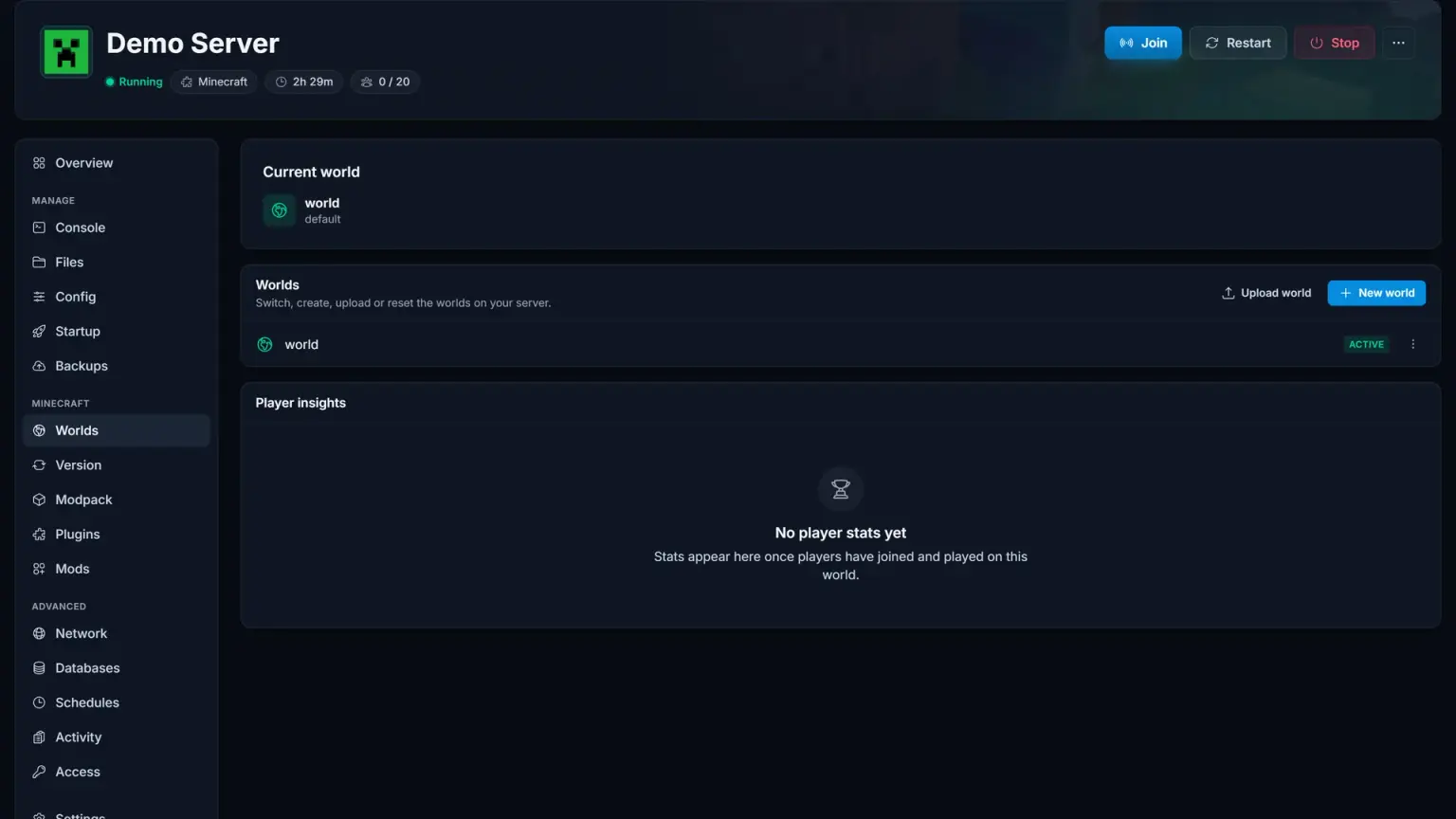
Effortlessly Manage Your HumanitZ Server
Our intuitive control panel gives you full control over your HumanitZ server. Monitor performance, manage resources, and access advanced tools with just a few clicks.
Guides & help
Guides & help
Get up and running fast with HumanitZ setup guides and troubleshooting.
Getting Started with Your HumanitZ Server
Set up a HumanitZ dedicated server: name and password, admin access, zombie, loot and PvP settings, new worlds, backups, RAM and restarts.
Read moreHow to Join a HumanitZ Server
Join a HumanitZ server from the multiplayer list or by typing the IP and port, get past passwords and hidden servers, and fix common connection errors.
Read moreReviews
What Our Customers Say

Rated 4.5 stars on Trustpilot based on 140+ reviews
Super Host! The owners strive to make the customer experience great.
Excellent service. Offers game servers with 100% uptime at a good price.
Incredibly satisfied! Very happy with the service and servers :) Powerful servers with great performance.
Quick setup and no issues since day one. Our Valheim server runs flawlessly and support replied within minutes.
Best price I've found for a Minecraft server. No lag, no crashes. Highly recommend to everyone!
We've been using SpillHosting for over a year and never had any issues. Great service and reliable servers.
Keep exploring
Other popular game servers


Questions & answers
Frequently Asked Questions
Find answers to common questions about our server hosting.
Open the server browser in HumanitZ and search for the server name you set on the Startup tab. If you set a join password, the game asks for it when they connect.
Most of them. PvP, permadeath, what happens to your items on death, zombie health, speed and damage, how many zombies and bandits spawn, loot respawn timers, day and night length, season length, airdrops, dogs and building decay all have their own field on the Startup tab. Change a value and restart for it to apply.
Set an admin password on the Startup tab and restart. Anyone who enters that password in game gets the admin tools, so share it only with the people who run the server with you.
The dedicated server loads the whole map at boot and uses close to 5 GB before anyone joins, so 6 GB is the smallest plan that stays stable. Large groups and long-running worlds with many bases do better with 8 GB or more.
Yes. Stop the server, upload your save folder over FTP into the save location, and make sure the save name on the Startup tab matches the folder name. Start the server again and your world loads with its bases and progress.
Any more questions?
Ready to play?
Your HumanitZ server is just a few clicks away
Pick a plan and your server is ready instantly.